
Call: 08045814807
 Send Inquiry
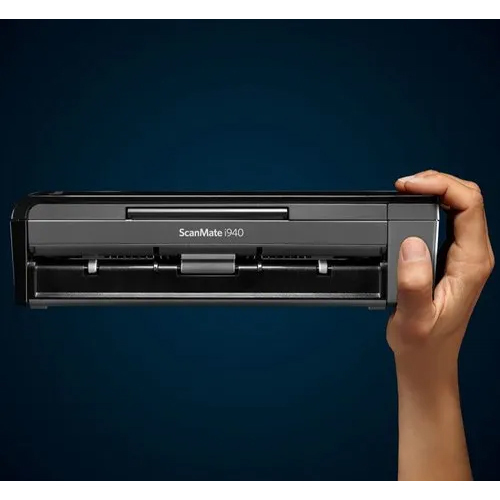
kodak i940 scanner
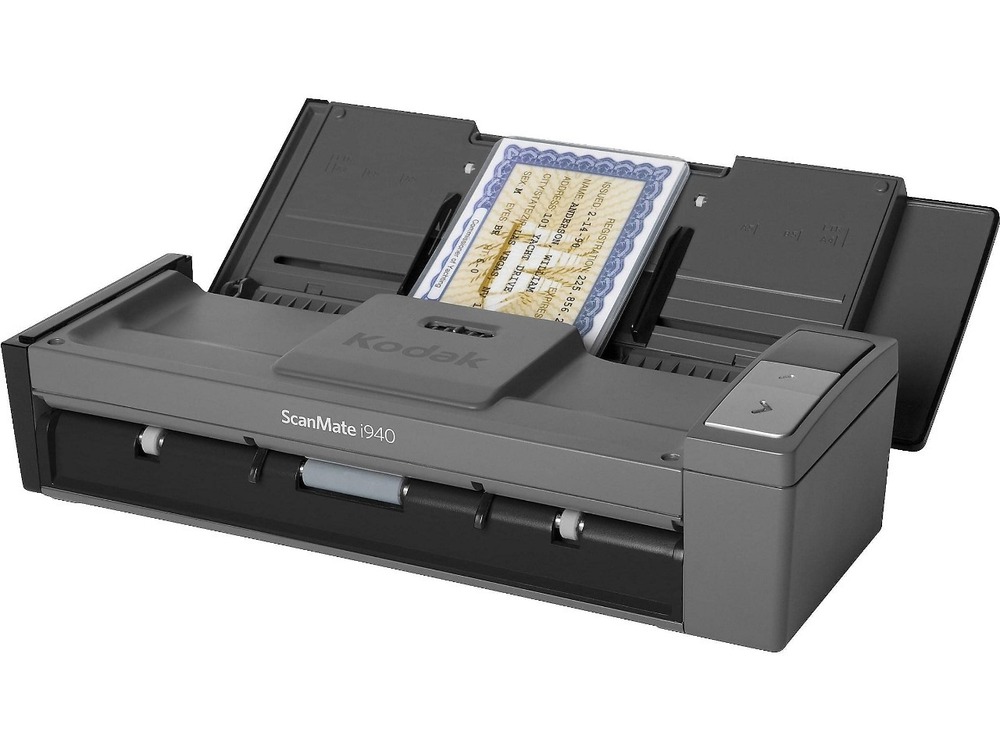

kodak i940 scanner Specification
- Usage & Applications
- Smart Touch
- Paper Size
- A4 and Legal
- Warranty
- 1 Year RTB Warranty
- Install Type
- Typical
- Scanning Resolution
- 600dpi
- Function Type
- sheetfed document scanner
- Scan Speed
- 20PPM
- Power Consumption
- 15 Watt (W)
- Dimension (L*W*H)
- 289*107*78 Millimeter (mm)
- Connectivity Type
- USB
- Type
- Document Scanner
- Interface Type
- USB
- Scan Type
- CIS
- Print Speed
- 20 PPM
- Max Paper Size
- A4 and Legal
- Size
- A4
- Weight
- 1.3 Kilograms (kg)
kodak i940 scanner Trade Information
- Minimum Order Quantity
- 1 Piece
- Delivery Time
- 3 Days
About kodak i940 scanner
The Kodak ScanMate i940 is a compact, portable document scanner designed for small offices and remote workers to quickly digitize and share documents, photos, and business cards. Key features include speeds of up to 20 pages per minute, a 20-sheet automatic document feeder, Smart Touch technology for one-button scanning to various destinations like the cloud, and USB-powered portability for scanning on the go. It can scan up to 600 dpi and handle various document sizes, including thick cards.Efficient Scanning Anywhere
The Kodak i940 Scanners lightweight, compact design makes it an ideal choice for on-the-go professionals. Its USB-powered connectivity and 20 PPM speed ensure high productivity without compromising quality. Whether at the office or on-site, this scanner supports swift document digitization with clarity and reliability.
Smart Touch Technology for Simplified Workflow
Equipped with Smart Touch, the i940 streamlines scanning by allowing users to configure and launch routine scan tasks at the touch of a button. This means less time spent on manual setup and more time focusing on important business activities, enhancing workflow and consistency.
FAQs of kodak i940 scanner:
Q: How do I set up the Kodak i940 Scanner for first-time use?
A: To set up the Kodak i940, simply connect it to your computer via USB, install the provided driver and Smart Touch software, and follow the on-screen instructions for typical installation. This straightforward process allows you to start scanning quickly.Q: What types of documents can I scan with the i940, and what is the maximum paper size?
A: The i940 is designed for document scanning and supports both A4 and Legal-sized papers. It efficiently scans invoices, contracts, ID cards, and other standard documents, making it ideal for most office and personal needs.Q: Where can I use the Kodak i940 Scanner effectively?
A: Due to its compact size and USB-powered operation, the i940 can be used in various settings, such as small offices, remote locations, home offices, or while traveling. It is especially beneficial for distribution, service provision, and trading companies throughout India.Q: What is the scanning process with Smart Touch?
A: Smart Touch technology allows users to assign and activate routine scan jobs with a single button press. This automates tasks like scanning to email, PDF, or folder, saving time and ensuring consistency in document handling.Q: What benefits does the 600 dpi resolution offer?
A: A 600 dpi scanning resolution ensures that images and text are captured in sharp detail, which is crucial for archiving, sharing, and printing high-quality digital documents.Q: When should I use the i940s CIS scan type for optimal results?
A: The Contact Image Sensor (CIS) technology in the i940 provides consistent image quality for flat, unbound documents and ID cards. Use CIS when you need high-clarity digital copies without the need for deep 3D scanning.Tell us about your requirement

Price:
Quantity
Select Unit
- 50
- 100
- 200
- 250
- 500
- 1000+
Additional detail
Mobile number
Email

More Products in Kodak Document Scanner Category
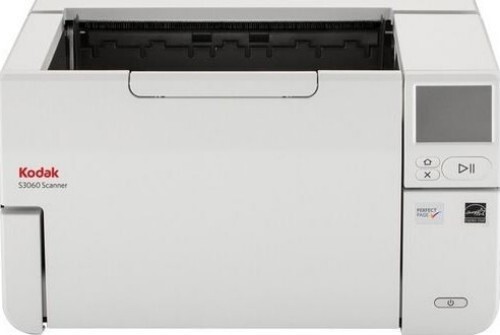
Kodak S3060 Scanner
Price 225000.0 INR / Piece
Minimum Order Quantity : 1 Piece
Interface Type : USB
Size : Height: 254 mm / 10 in. Width: 457.2 mm / 18 in. Depth: 370.84 mm / 14.6 in
Print Speed : 60 PPM
Scan Type : CIS
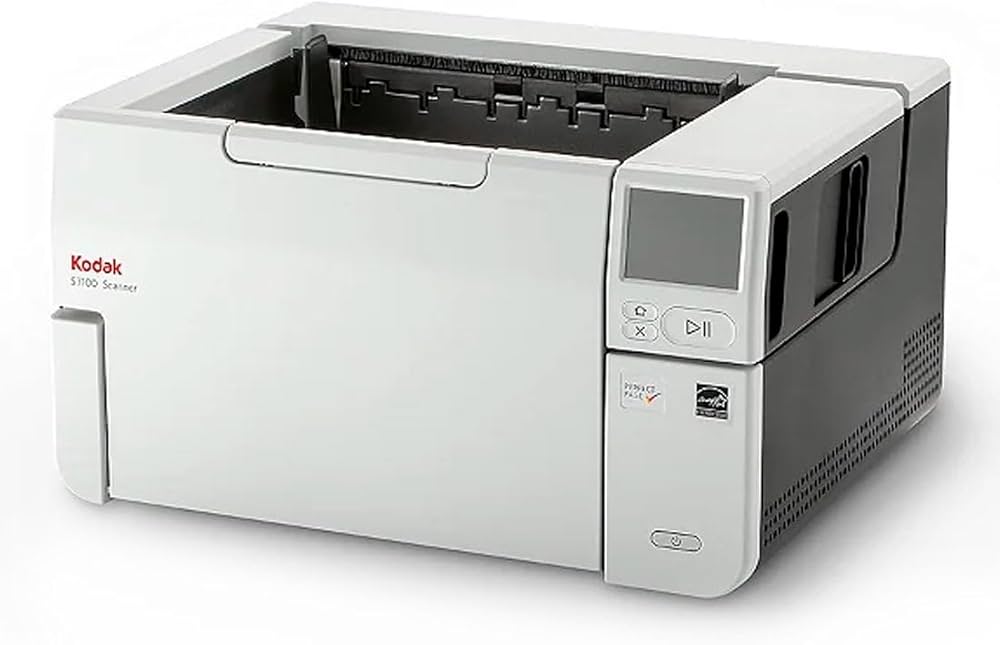
Kodak Alaris S3100 Scanner
Price 379995.0 INR / Unit
Minimum Order Quantity : 1 Unit
Interface Type : USB
Size : Height: 254 mm / 10 in. Width: 457.2 mm / 18 in. Depth: 370.84 mm / 14.6 in. Weight: 15.6 kg / 34.4 lbs.
Print Speed : 100 PPM
Scan Type : CIS
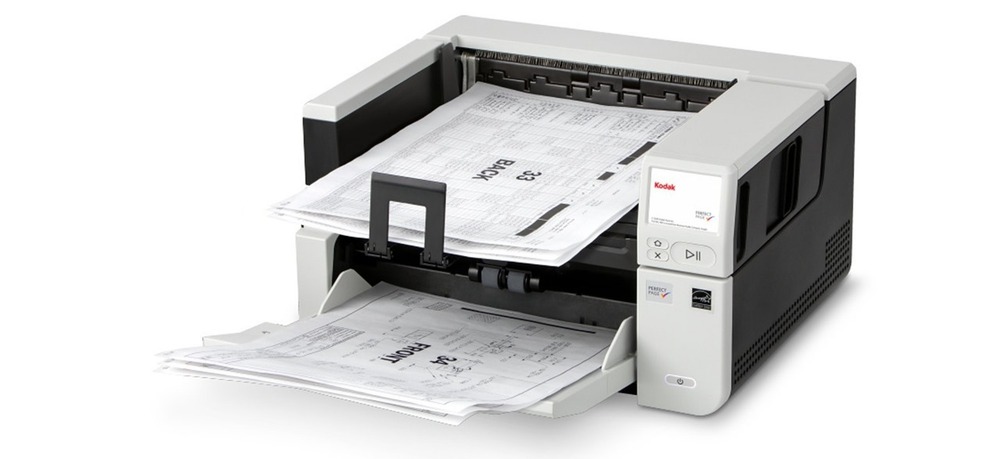
Kodak S2085f Scanner
Price 249000.0 INR / Unit
Minimum Order Quantity : 1 Unit
Interface Type : USB
Size : Height: 254 mm / 10 in. Width: 457.2 mm / 18 in. Depth: 370.84 mm / 14.6 in
Print Speed : 85 PPM
Scan Type : CIS
Kodak i-940 Portble ADF Scanner
Price 22500.0 INR / Unit
Minimum Order Quantity : 1 Unit
Interface Type : USB
Size : Standard
Print Speed : 20 ppm PPM
Scan Type : CCD

Contact Details
NISARGA INFORMATION TECHNOLOGY SOLUTIONS PVT LIMITED
GST : 36AAECN2283R1ZU
- Plot No 57, Survey No 32, Cyber Hills Rd No 5, Guttala-Begumpet, Kavuri Hills, Jubilee Hills,Hyderabad - 500033, Telangana, India
- Phone :08045814807
 Send Inquiry
Developed and Managed by Infocom Network Private Limited.
 English
 Spanish
 French
 German
 Italian
 Chinese (Simplified)
 Japanese
 Korean
 Arabic
 Portuguese